









Pen and paper, straight to vector
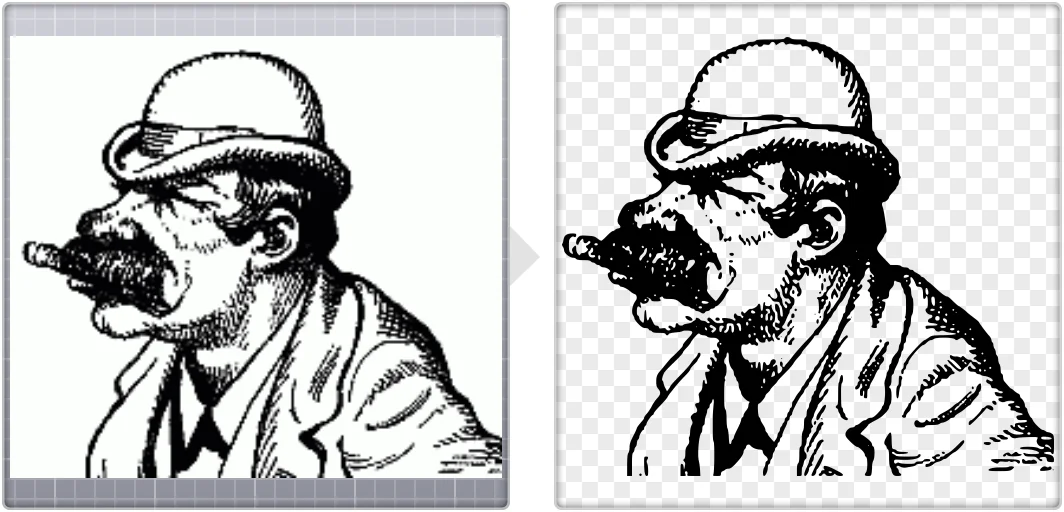
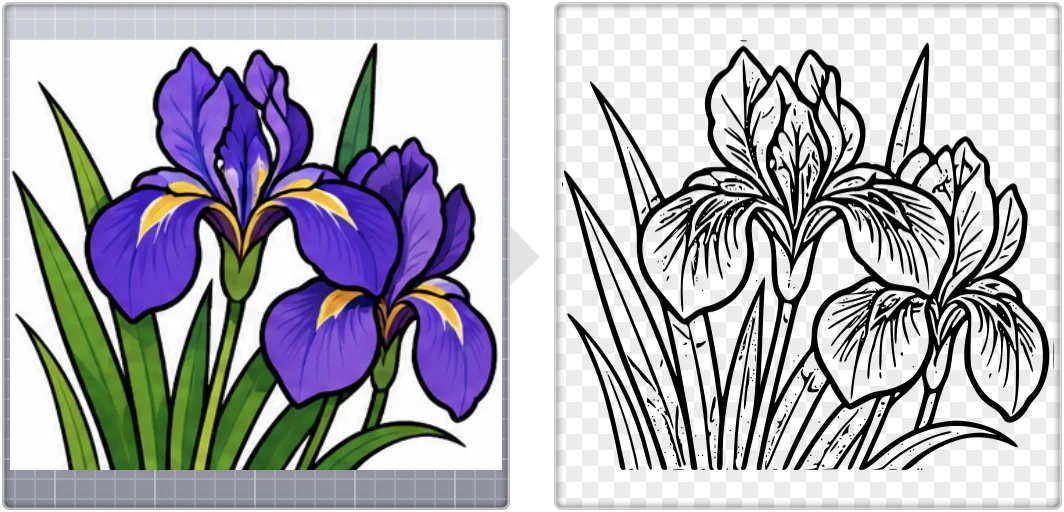
Image Vectorizer lets you import directly from your scanner and convert the results to vector. Great for hand-drawn graphics or even document scanning. A photo of the page works too.
Turn bitmaps into vector graphics.
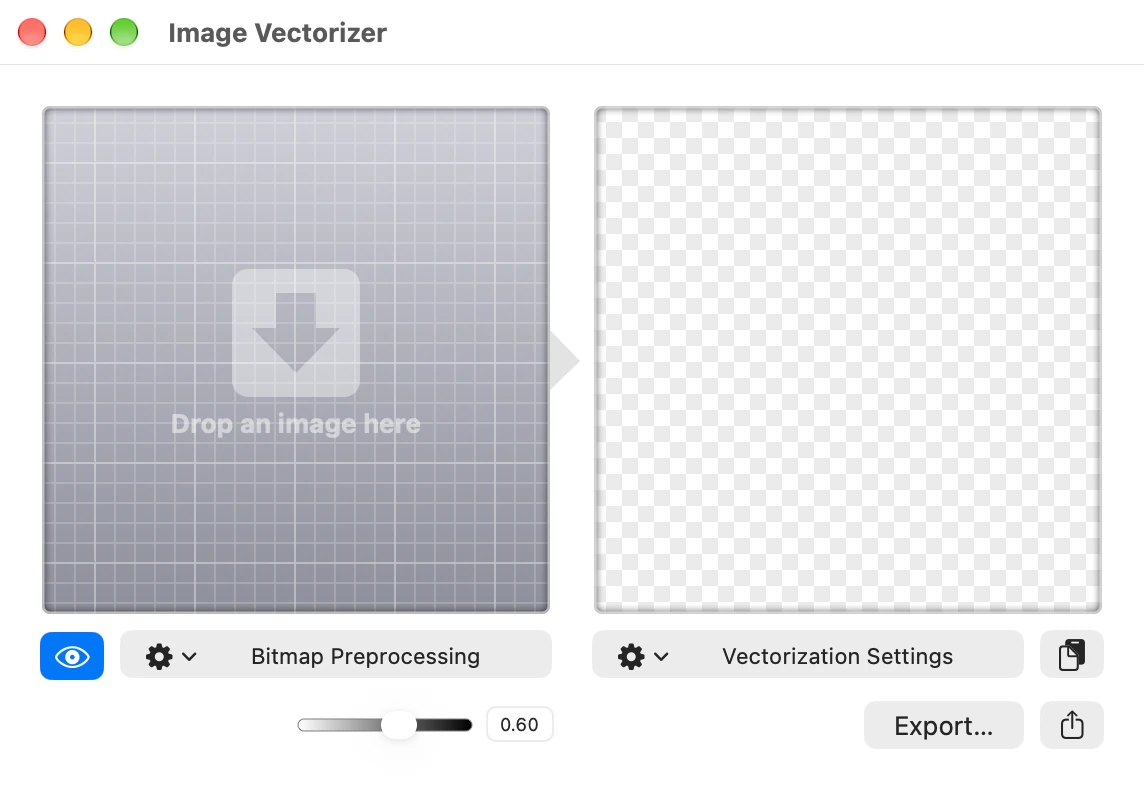
How many times have you needed a vector graphic version of a logo or icon for a design you’ve been working on?
Image Vectorizer is here to make the process as fast and painless as possible!
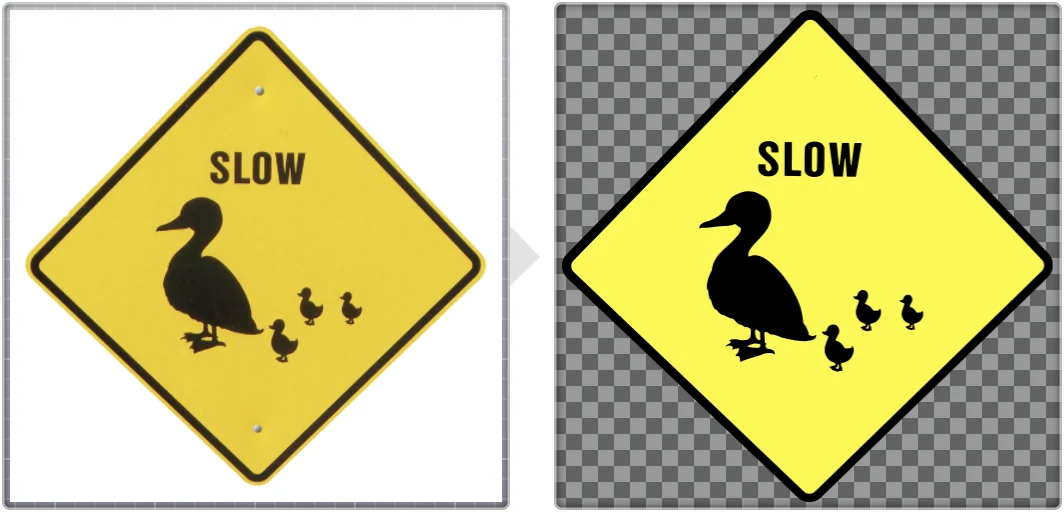
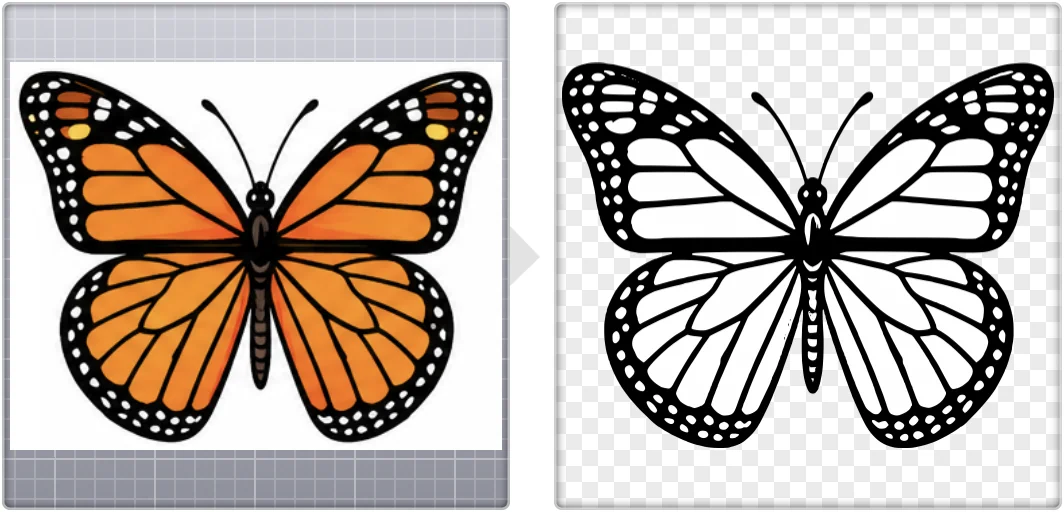
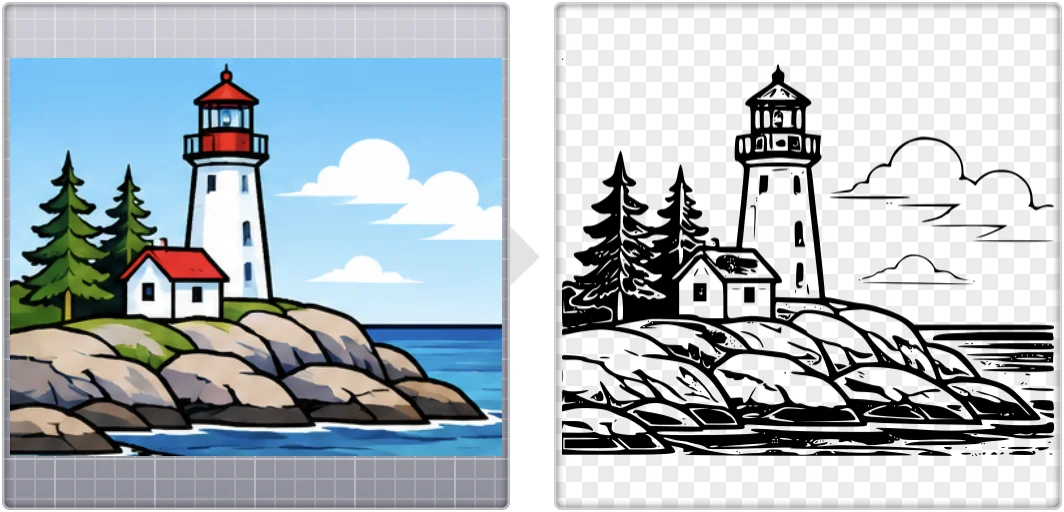
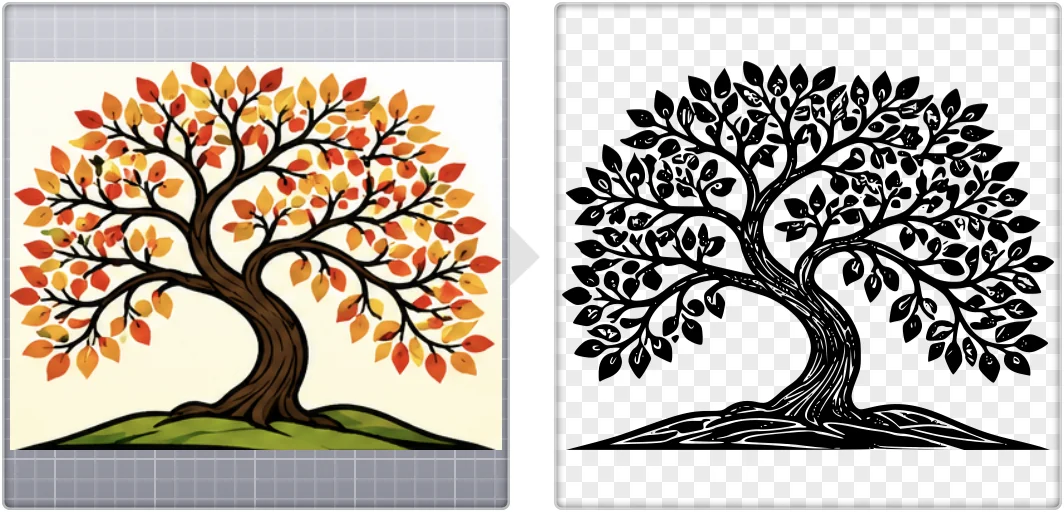
Drop in a logo, a drawing, or a scan. Image Vectorizer creates beautiful black-and-white vector images, ready for your drawing app, the web, a printer or a cutting plotter.
For macOS 12 or later, on Apple silicon and Intel Macs.
Image Vectorizer lets you import directly from your scanner and convert the results to vector. Great for hand-drawn graphics or even document scanning. A photo of the page works too.
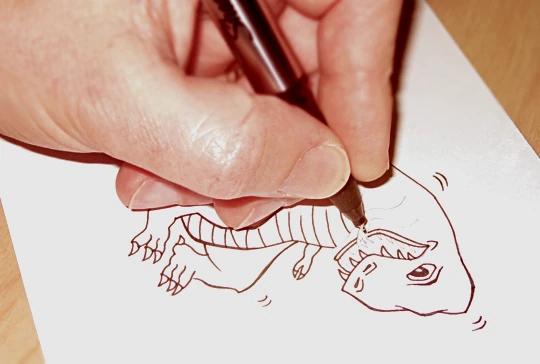
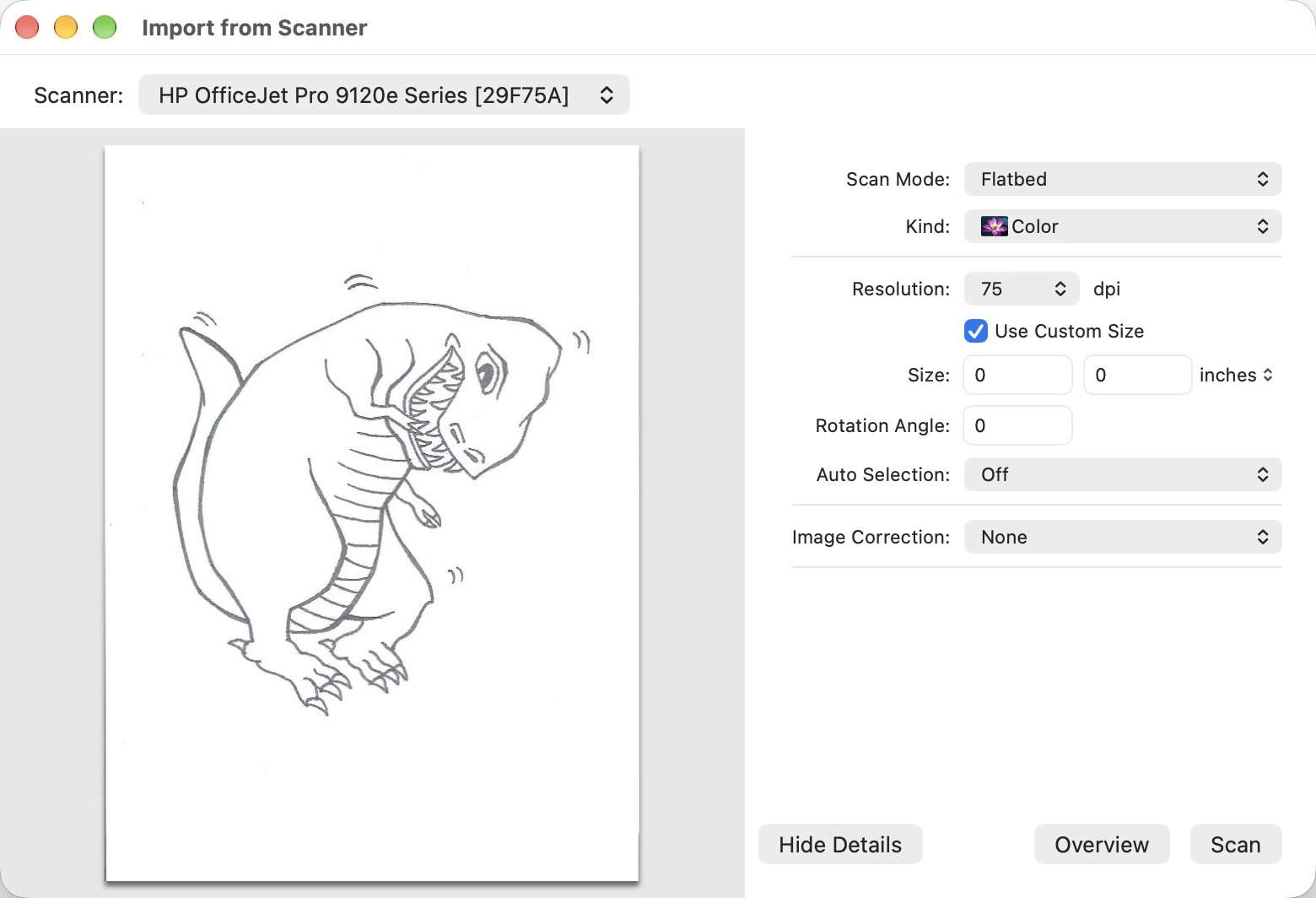
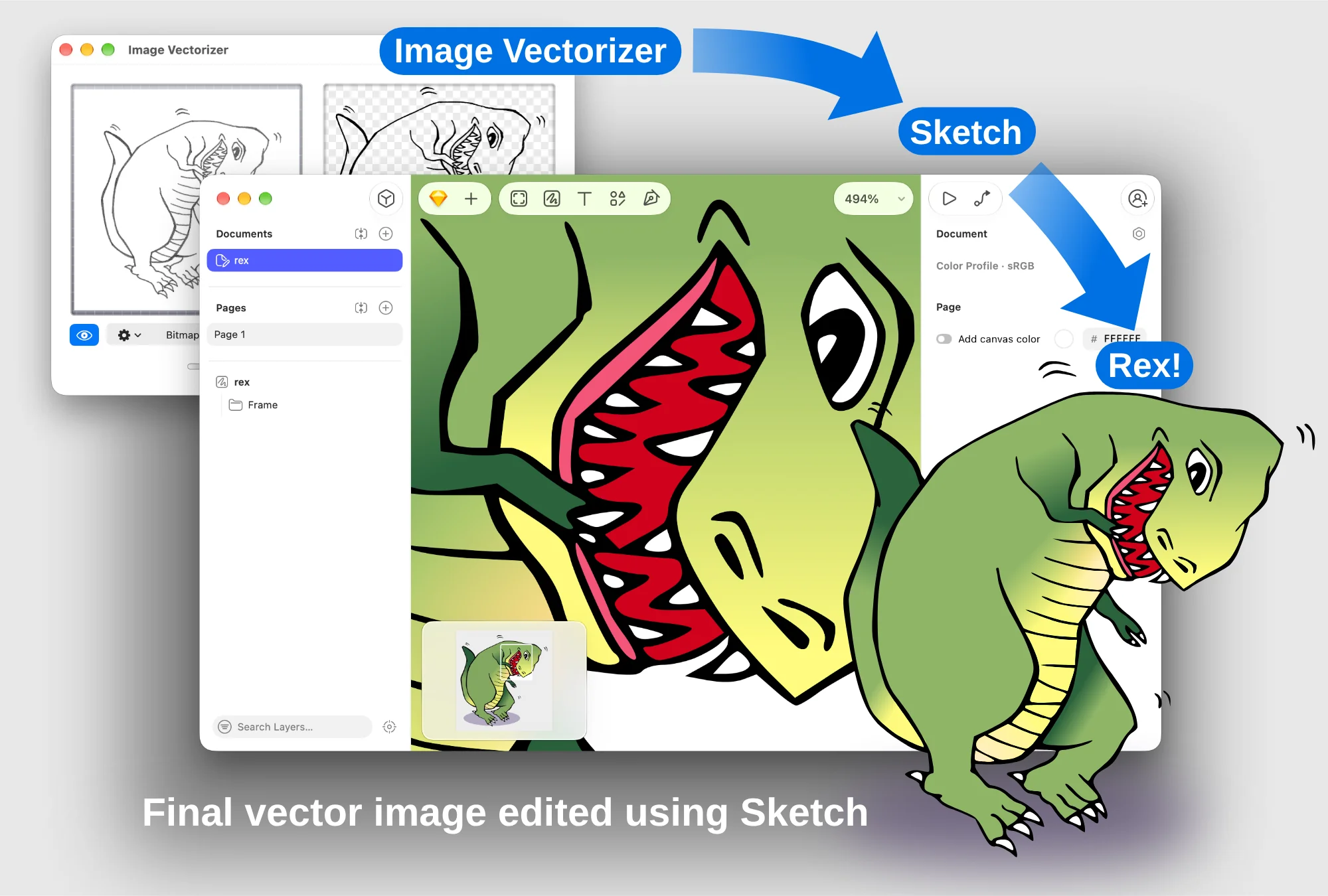
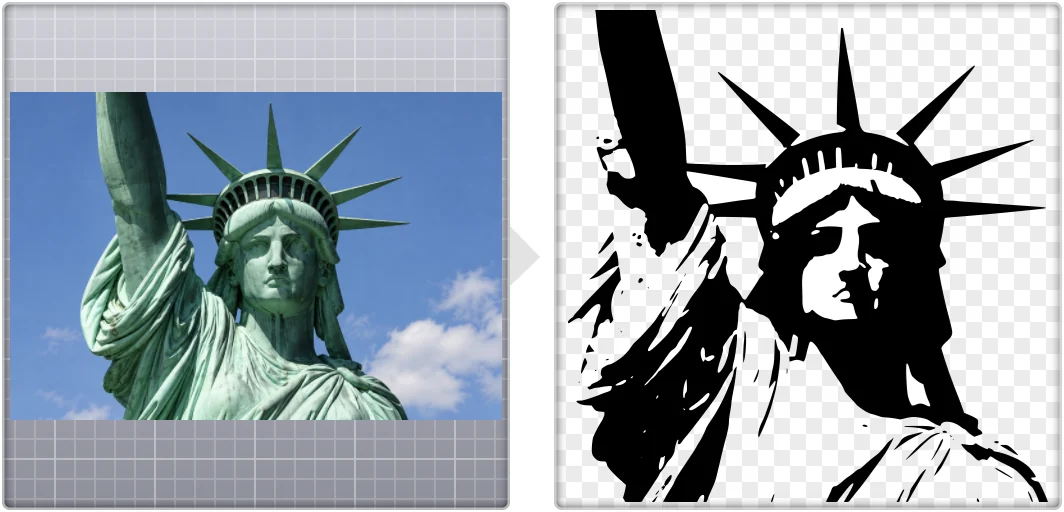
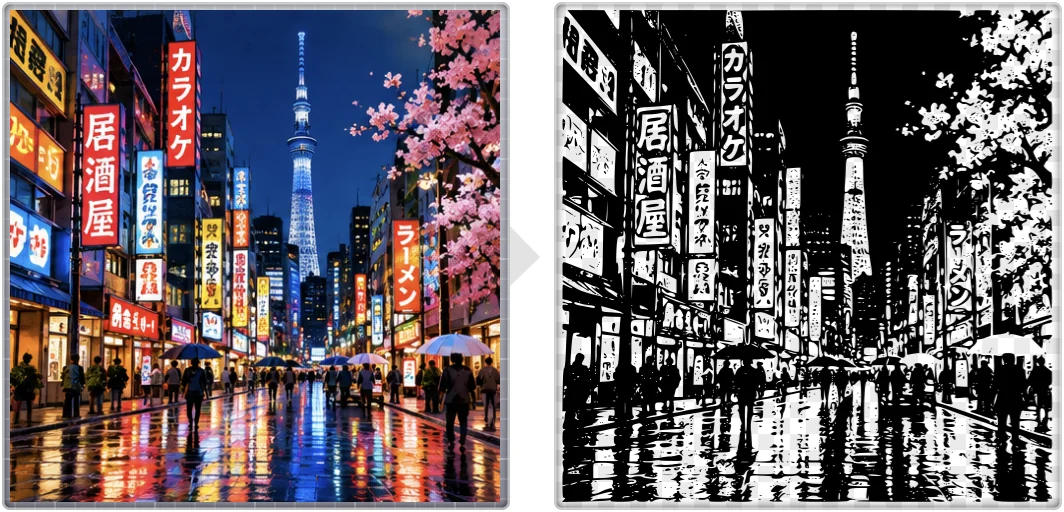
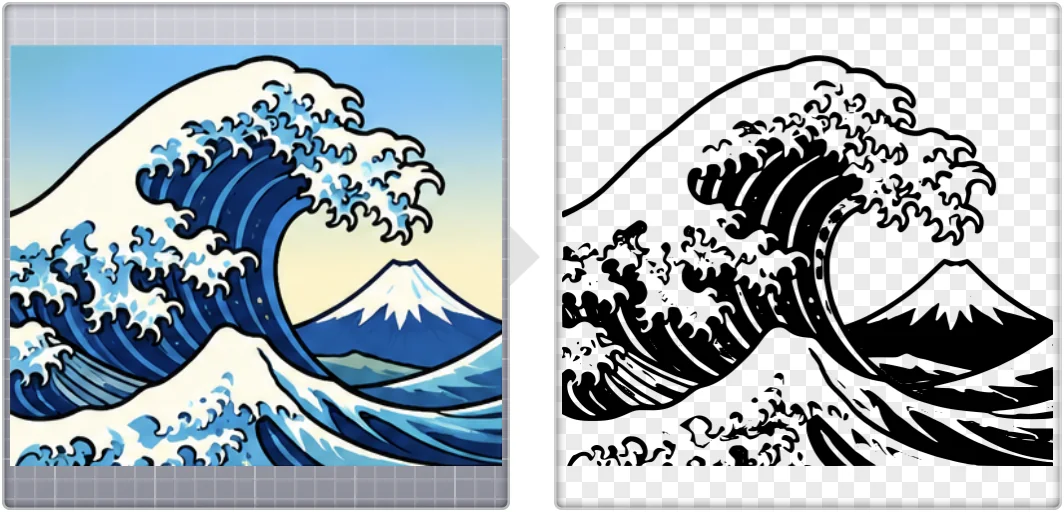
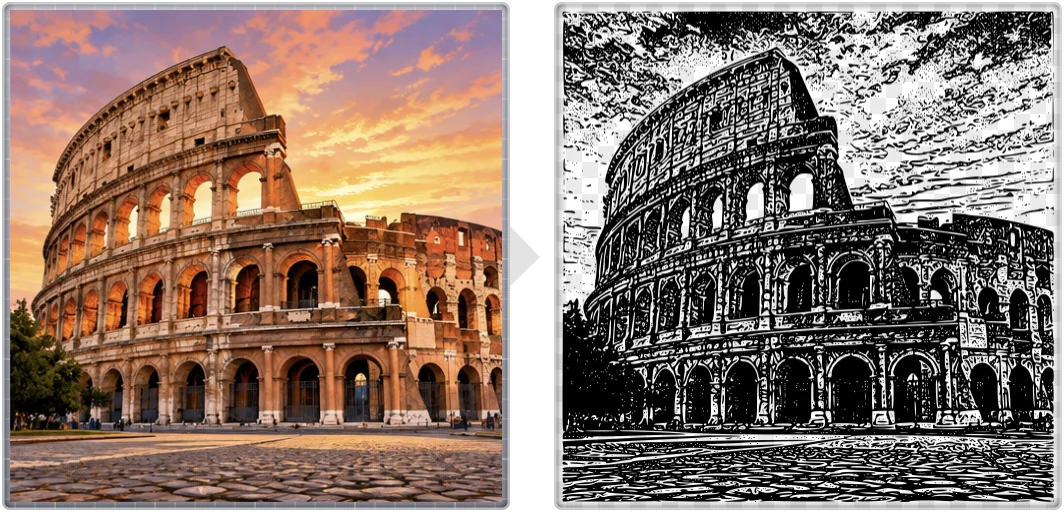
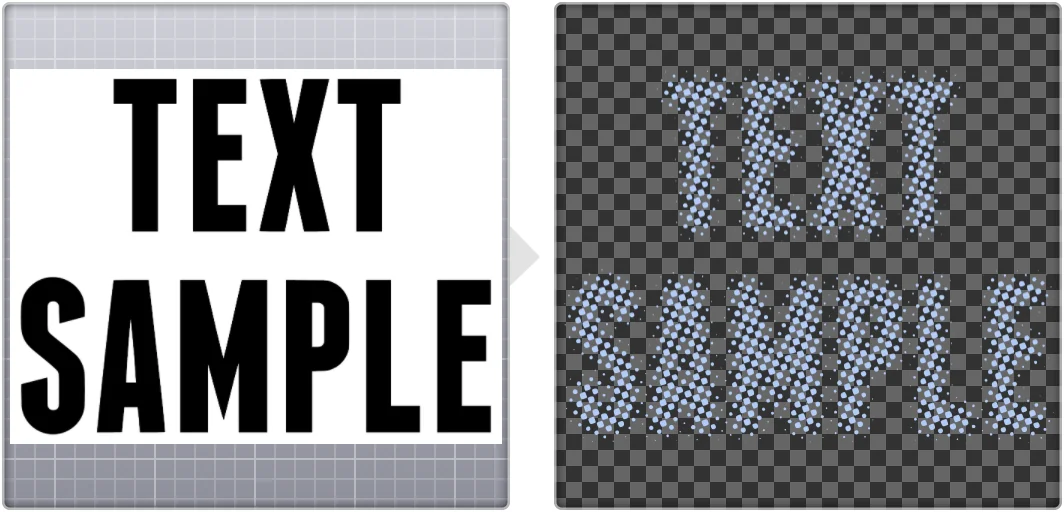
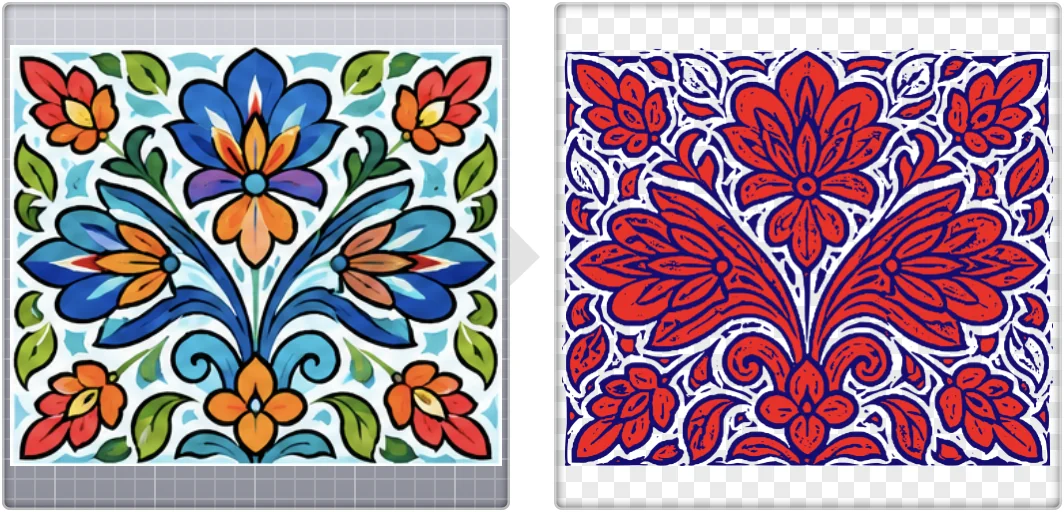
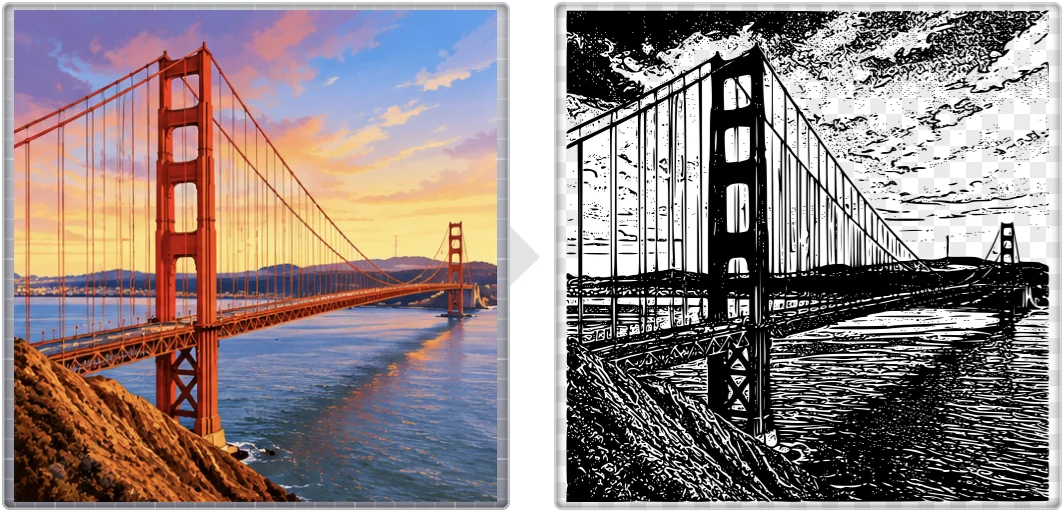
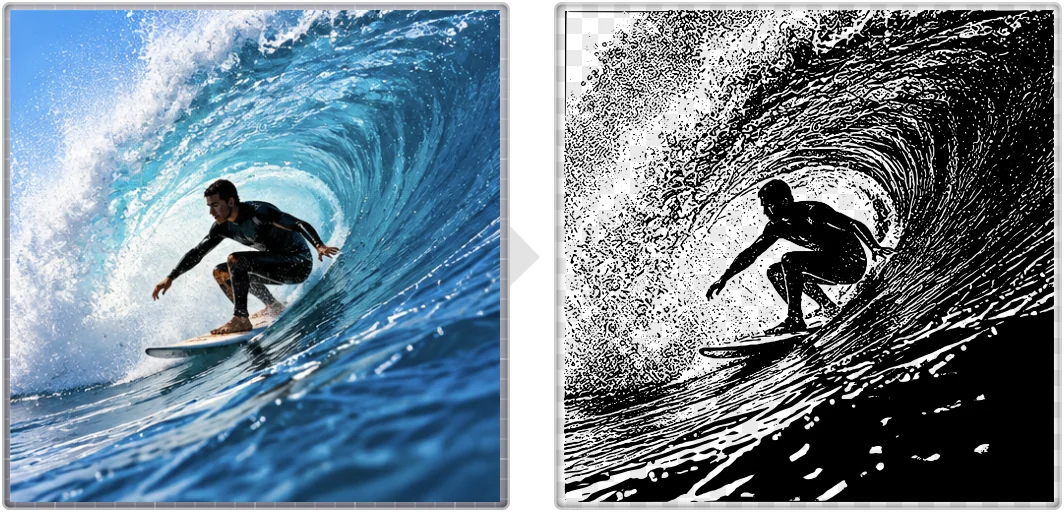
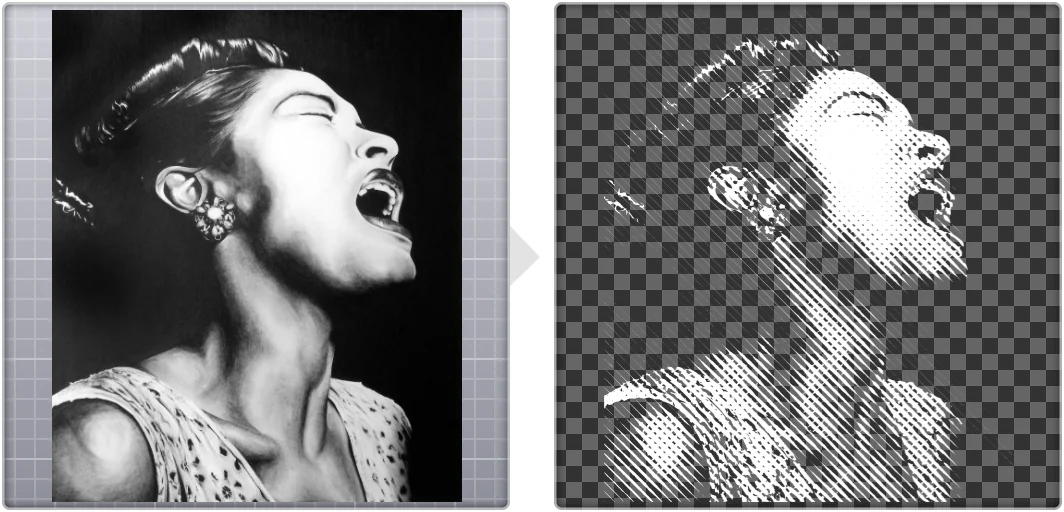
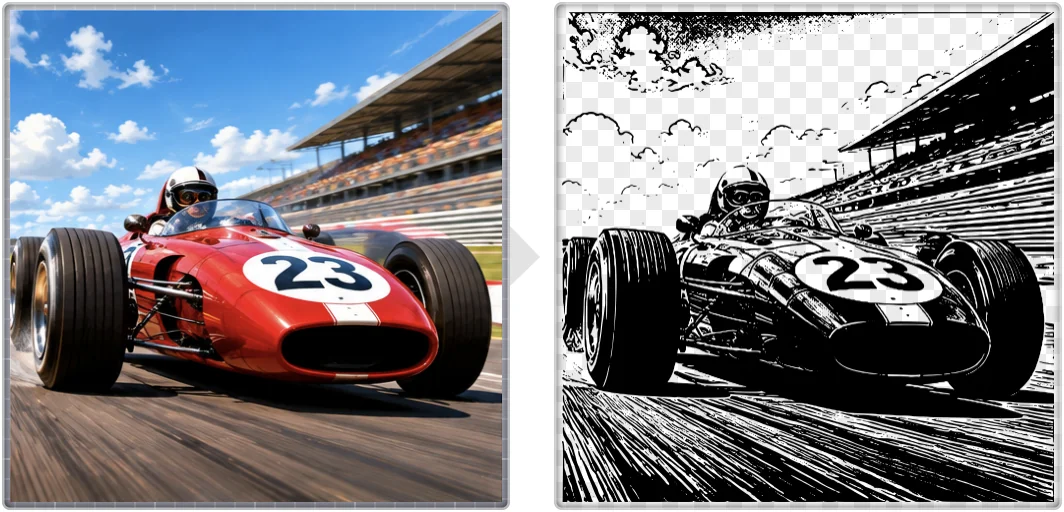
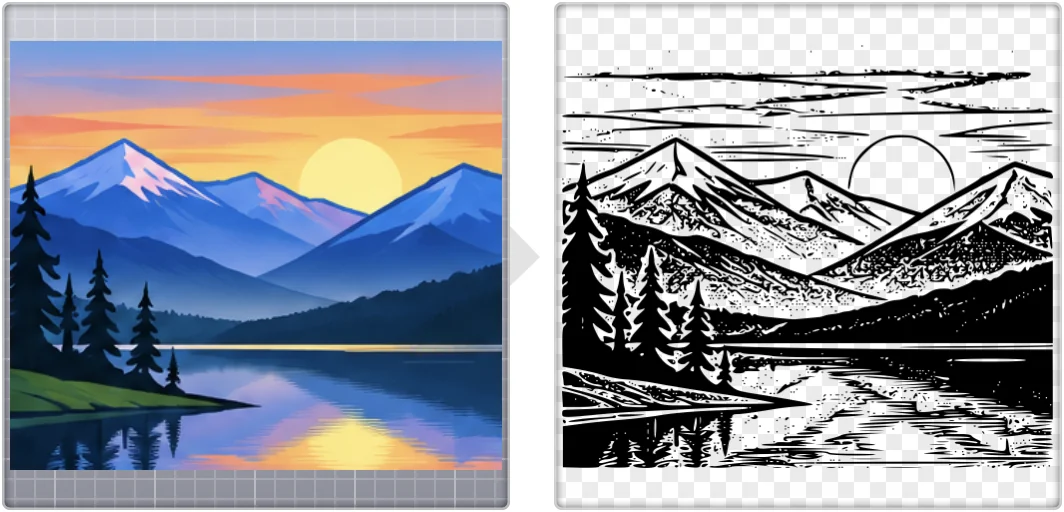
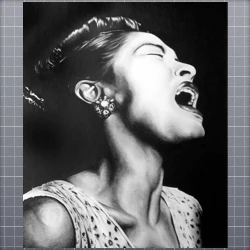
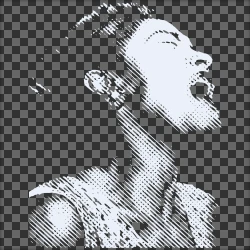
Image Vectorizer makes two-color images. A photo becomes a striking silhouette or a print-like picture with a halftone pattern.
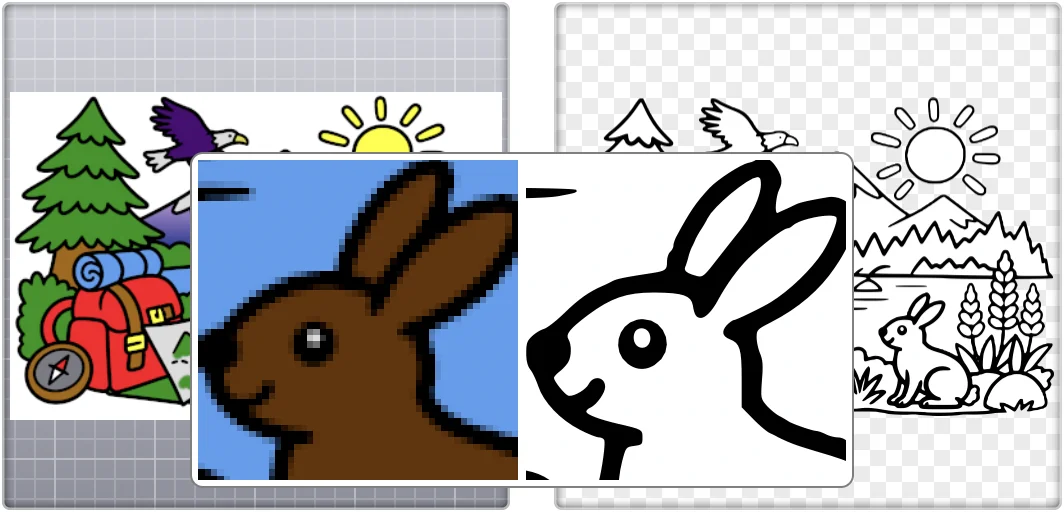
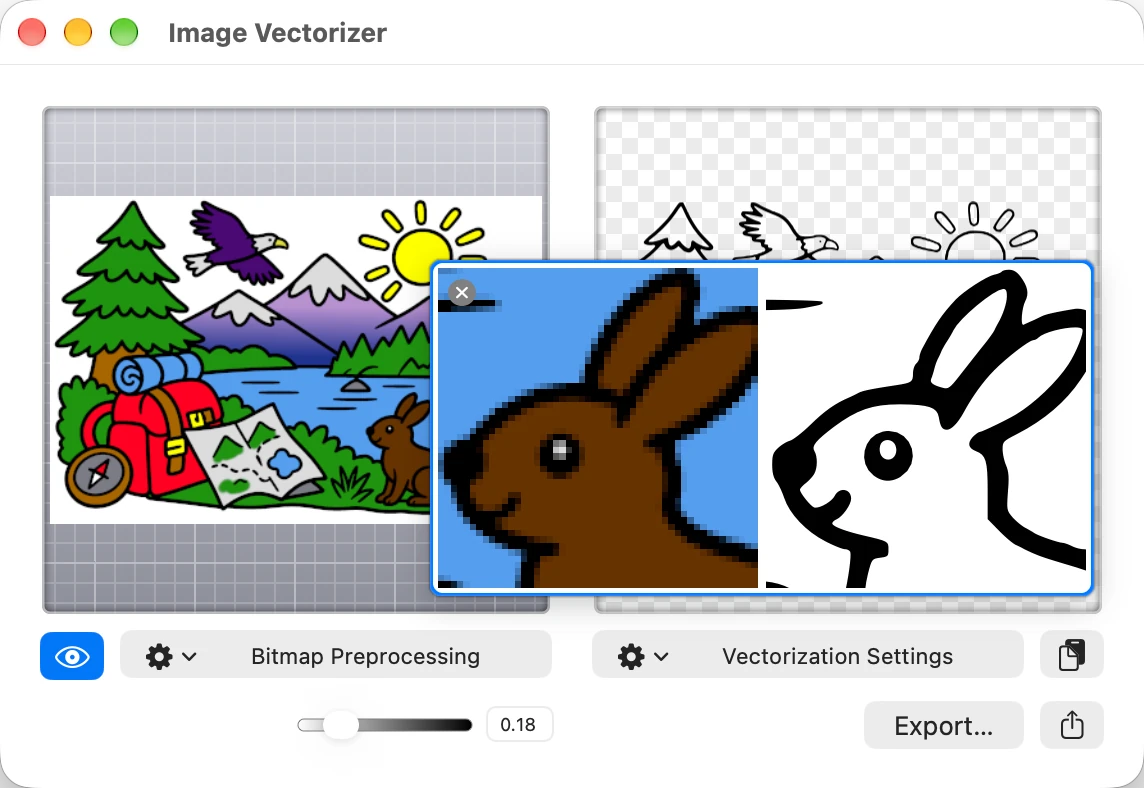
The magnifier tool shows the bitmap and the vector image side by side, so that you can see every detail as you make adjustments.
Drag the vector image directly into your favorite drawing app! Or export it in a variety of formats.
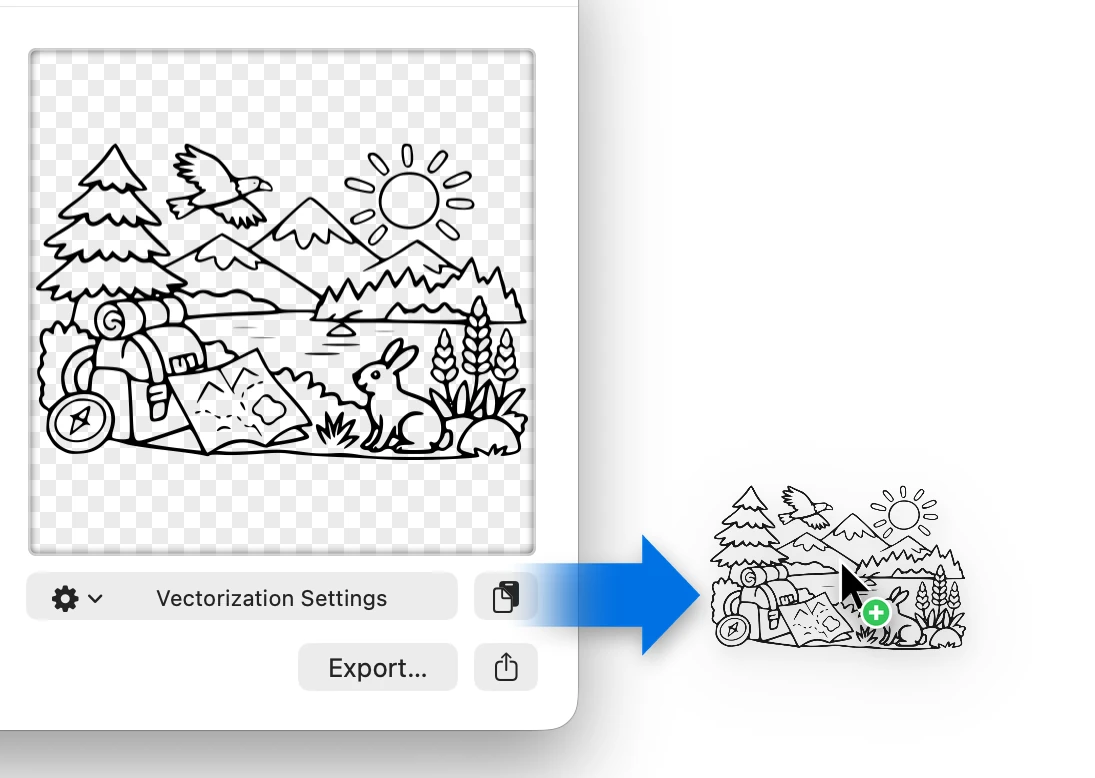
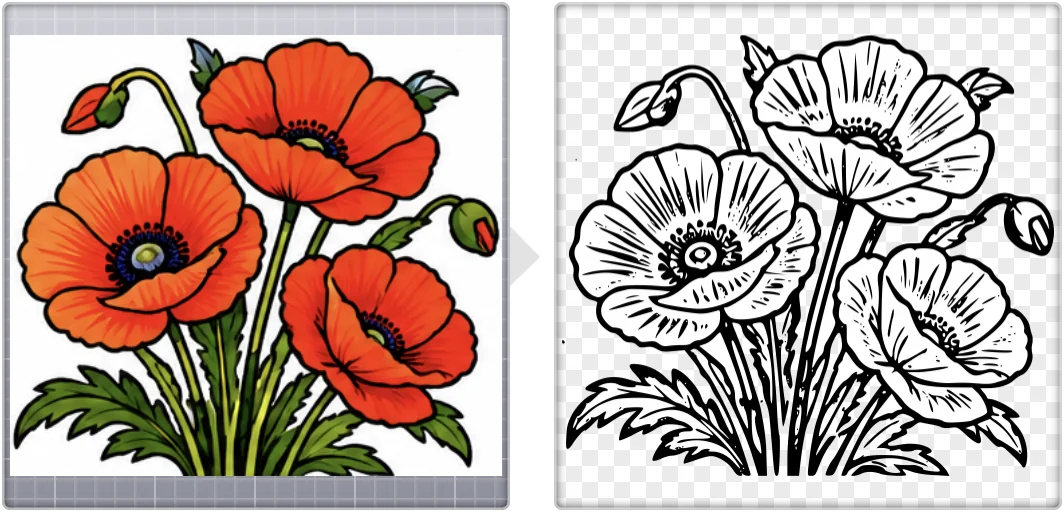
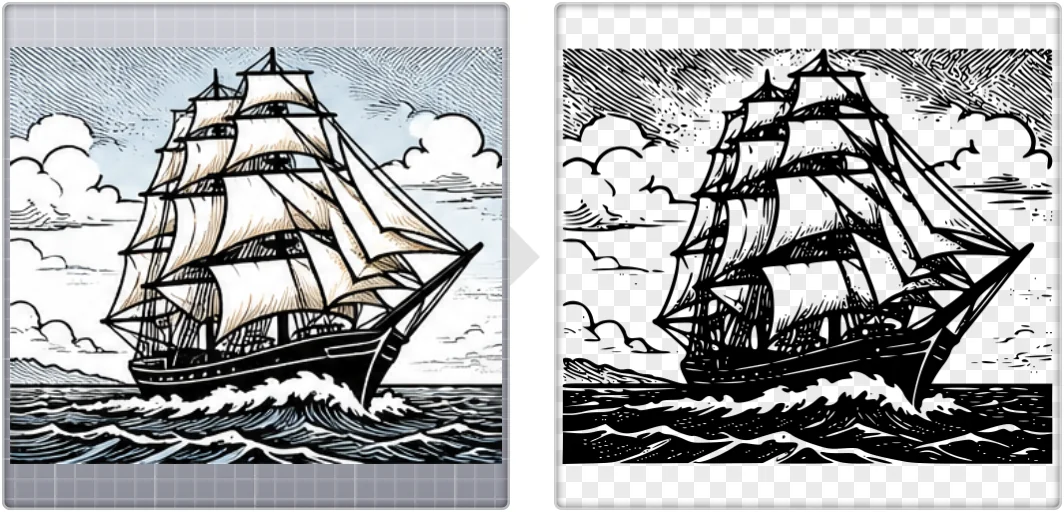
Image Vectorizer works best for black-and-white line art, such as pencil drawings, outlines, logos, lettering, silhouettes, stencils, and blueprints. Photos can be converted using one of the built-in halftoning effects. Color vectorization is not supported, but you can select custom foreground and background colors, or color the vectorized image in a vector drawing application.
Image Vectorizer 1.7 is a major update, rebuilt for today’s Macs.
It’s fast, it’s accurate, very impressive.
bbalser · App Store review ·
This is the best thing I've found out there, especially if you want to pick up every detail you drew in the vector art you send to your clients.
kencj · App Store review ·
Client sent me their logo as a JPEG to overlay on some photos I shot. Luckily, Image Vectorizer was there. Worked really fast!
Chris Manning · Twitter ·
It's simple. It's effective. And it's super fast. Highly recommended!
TDiz1 · App Store review ·
I could not live without Image Vectorizer. Great little tool. Use it all the time.
Kevin Smith · Twitter ·
The best line tracing
loupino · App Store review ·
Wow. An uncanny ability to trace almost as good as me
mr gobot · App Store review ·
IMO the best most accurate raster to vector app available
Dazmondo · App Store review ·
Bought this to quickly convert a logo from a JPG to a vector and it did the job perfectly, first time.
TickTockDesign · App Store review ·
So yeah, if you need to convert bitmaps to vector, you simply can't go wrong, especially for the price!
Grdinic · App Store review ·
This app saved my sanity - my vectors still look like hand-drawn.
Natalia_Mag · App Store review ·
Works quite well on the images I’ve tried. Very useful tool.
RhetTbull · App Store review ·
This works well and has some very unique and useful features.
G3Chris1 · App Store review ·
I can pop in a low res logo and it comes out crisp and clean.
Cyan · App Store review ·
This app keeps it simple. Very clean vector lines.
mbyrnelaw · App Store review ·
The time that this little app saves!
ddda · App Store review ·
This app has a small number of sliders that let you perfectly extract a vector image from your flat image.
Fish hole · App Store review ·
Finally! For all those times I had to re-do a logo…
Nathalie Lawhead · Twitter ·
I’m a designer and artist and I’ve been using this app for many years. … I have found this is my go to for all things SVG, EPS and vector.
Midnight Narcissus · App Store review ·
Vectorization engine quality is very high (beats anything commercial that I’ve used), and now it’s easy to use.
Pano shooter · App Store review ·
I just needed to be able to convert some of my illustrations to vectors and it works beautifully.
Rut76 · App Store review ·
How fantastic is this? WAY better than the tracing facility in Illustrator.
NorthEar · App Store review ·
The best tracing app for illustrators
big piet 41 · App Store review ·
I've used most of the vector tools available as apps in the store, but this one stands out.
LeeSheppard · App Store review ·
The help page has a quick start and a user guide. Questions, comments, or a problem? Email support@image-vectorizer.com.
 Image to vector graphic conversion
 Custom social icons
 Vectorizing an icon